



.png?lmsauth=0ffffb919f2b882975781851a1861633adab5e6b)

You can buy this course part of the 'Learn Archicad!' program Subscription Plan.
CHECK THE SUBSCRIPTIONIn this certificate program you will learn in-demand Archicad skills from Graphisoft experts. Learn at your own pace, basic Archicad experience is required.
What you will learn
Understand the Archicad Library concept.
Create custom objects, doors, windows, curtain wall panels.
Create and manage your own custom Archicad Library.
Modify existing library parts to fit your needs.
Find and manage third-party library parts.
Table of contents
Library in Archicad
Creating Library Parts - part 1
Creating Library Parts - part 2
Element Types and Polygons
Importing Files into Library
Library Part Maker
Recommended learning
Awards
Completing the course material, including the quizzes and assignments with a minimum of 60% achievement and filling out the satisfaction survey, will award you points towards achieving the Archicad BIM Author Certification and a Certification of Attendance in issues automatically in PDF format.
Software requirements
Videos in this course have been created using the International language version of Archicad which means that the work environment and some of the content may be different if you are using a different language version.
To get the best training experience we recommend you to use latest Archicad version!
Access time frame
Accessing to this program is available for as long as you have an active Learn Archicad! subscription, and your use of the program is subject to the applicable subscription terms.
Have questions?
Visit us at support.graphisoft.com
Here is the course outline:
WelcomeGet familiar with the course outline and the agenda. Download the exercise files and the handout documents to be able to follow the course along with the trainer. |
Libraries in ArchicadThis module is focusing on different types of library parts and overall library management in Archicad. |
Creating Library Parts - Part 1In this module you will learn how to create and use library parts as components of hierarchical elements. |
Creating Library Parts - Part 2In this module you will learn how to create versatile objects and fine-tune their handling with some simple GDL techniques in both 2D and 3D. |
Element Types and PolygonsThis module teaches you about different element types you can use for object creation what are their pros and cons. |
Importing FilesIn this module you will learn how to import different types of models as library parts into Archicad. |
Library Part MakerThis module consists of a couple of examples of using the Library Part Maker tool to quickly create objects. |
QuizPlease take the quiz in order to complete the course |
ConclusionThank you for completing this training! Please fill out the anonymous satisfaction survey so we can continue improving our training materials! |
Completion
The following certificates are awarded when the course is completed:
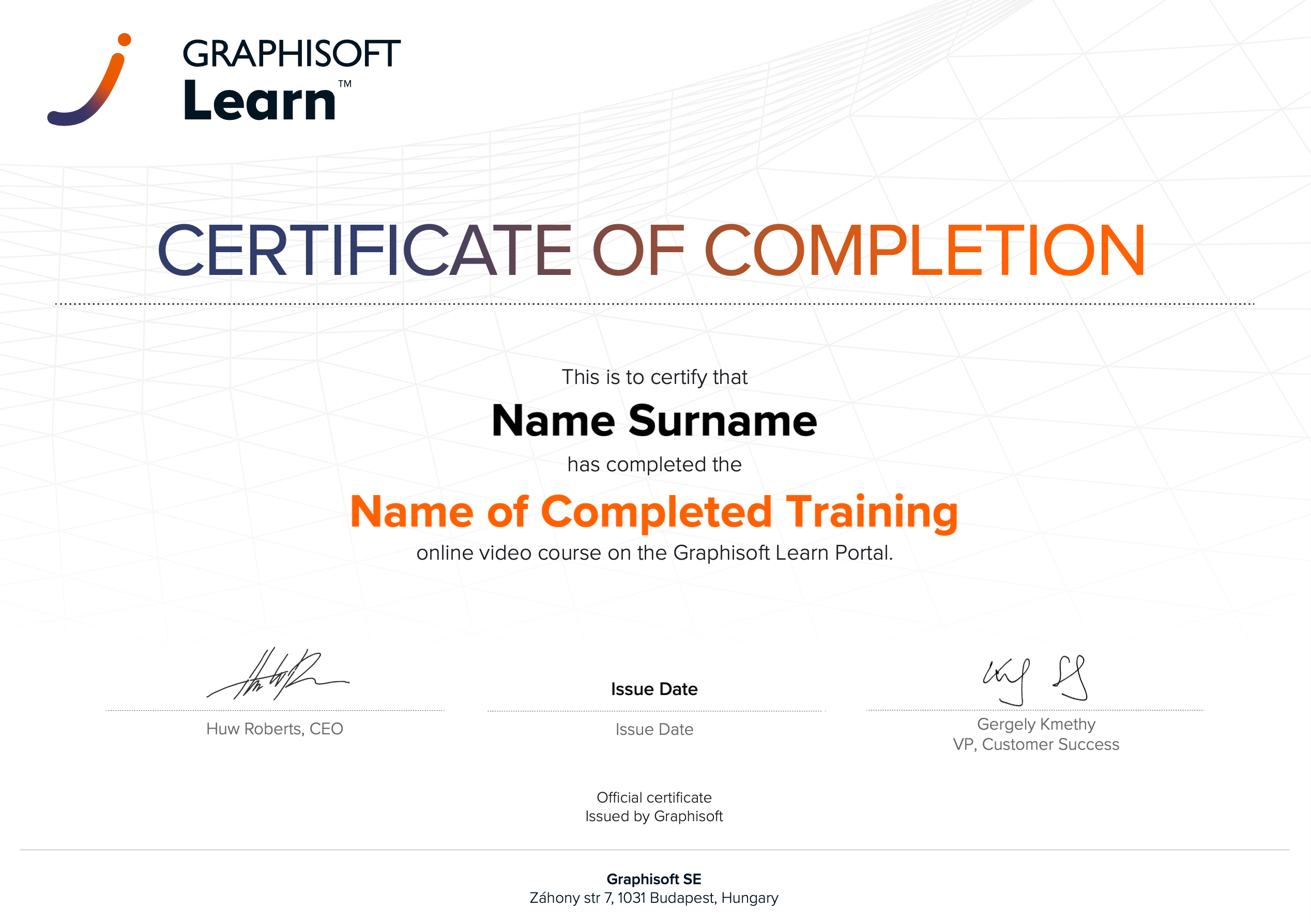 |
INT_Certificate of Completion - Online Video Course |