



.png?lmsauth=0ffffb919f2b882975781851a1861633adab5e6b)

You can buy this course part of the 'Learn Archicad!' program Subscription Plan.
CHECK THE SUBSCRIPTIONIn this certificate program you will learn in-demand Archicad skills from Graphisoft experts. Learn at your own pace, basic Archicad experience is required.
What you will learn
Confidently handle perspective and axonometric 3D projections
Create Floor plan-based, Axonometry and Perspective-based 3D documents
Creatively use 3D styles
Set up automatically updating floor plans, sections and elevations
Combine various Drawings on Layouts
Understand exploded and projected axonometries
Arrange your presentation boards according to your goals
Create Fly-throughs and Sun Studies
Table of contents
Fundamentals of Illustration
Viewpoint
Shading
Colouring
Contours
Drafting
Output
Recommended learning
Awards
Completing the course material, including the quizzes and assignments with a minimum of 60% achievement and filling out the satisfaction survey, will award you points towards achieving the Archicad BIM Author Certification and a Certification of Attendance in issues automatically in PDF format.
Software requirements
Videos in this course have been created using the International language version of Archicad which means that the work environment and some of the content may be different if you are using a different language version.
To get the best training experience we recommend you to use latest Archicad version!
Access time frame
Access to this program is available for as long as you have an active Learn Archicad! subscription, and your use of the program is subject to the applicable subscription terms.
Have questions?
Visit us at support.graphisoft.com
Here is the course outline:
WelcomeGet familiar with the course outline and the agenda. Download the exercise files and the handout documents to be able to follow the course along with the trainer. |
Fundamentals of IllustrationLearn about the difference purposes of architectural illustration and see how Archicad can help you communicate a specific message while being aesthetically appealing. |
ViewpointIn this module, you will learn how to create and manage various source viewpoints in Archicad, including vector and raster images. You’ll explore setting up massing, axonometric, interior elevation, and plan views, and saving them for use in your projects. |
ShadingIn this module, you'll learn how to apply and control shading and shadows in Archicad's views, adjusting sunlight and 3D style settings for various effects. You'll also explore how different engines—Vectorial and Hardware Acceleration—handle light sources and shading differently. |
ColouringIn this module, you will learn how to control colors and textures in Archicad. You'll explore three distinct coloring techniques: using 3D styles, applying graphic overrides, and direct coloring on the layout, to enhance your models and illustrations. |
ContoursIn this module, you will learn how to work with contours in Archicad. You’ll explore how different engines affect line quality and resolution, and practice creating massing views to control contour styles and line weights. |
DraftingIn this module, you will learn how to enhance your layouts using drafting elements like lines, fills, objects, text, and labels. You'll also explore techniques for massing drafting, including creating depth and shadows with different shapes and colors, and adding annotations to your designs. |
OutputIn this module, you'll learn how to export your final images from Archicad. Key considerations include resolution, maximum image size, and the white pad added around the final image. |
QuizFinishing the quiz referring to the previously seen content before proceeding to the subsequent modules is advisable. |
ConclusionThank you for completing this training! Please fill out the anonymous satisfaction survey so we can continue improving our training materials! |
Completion
The following certificates are awarded when the course is completed:
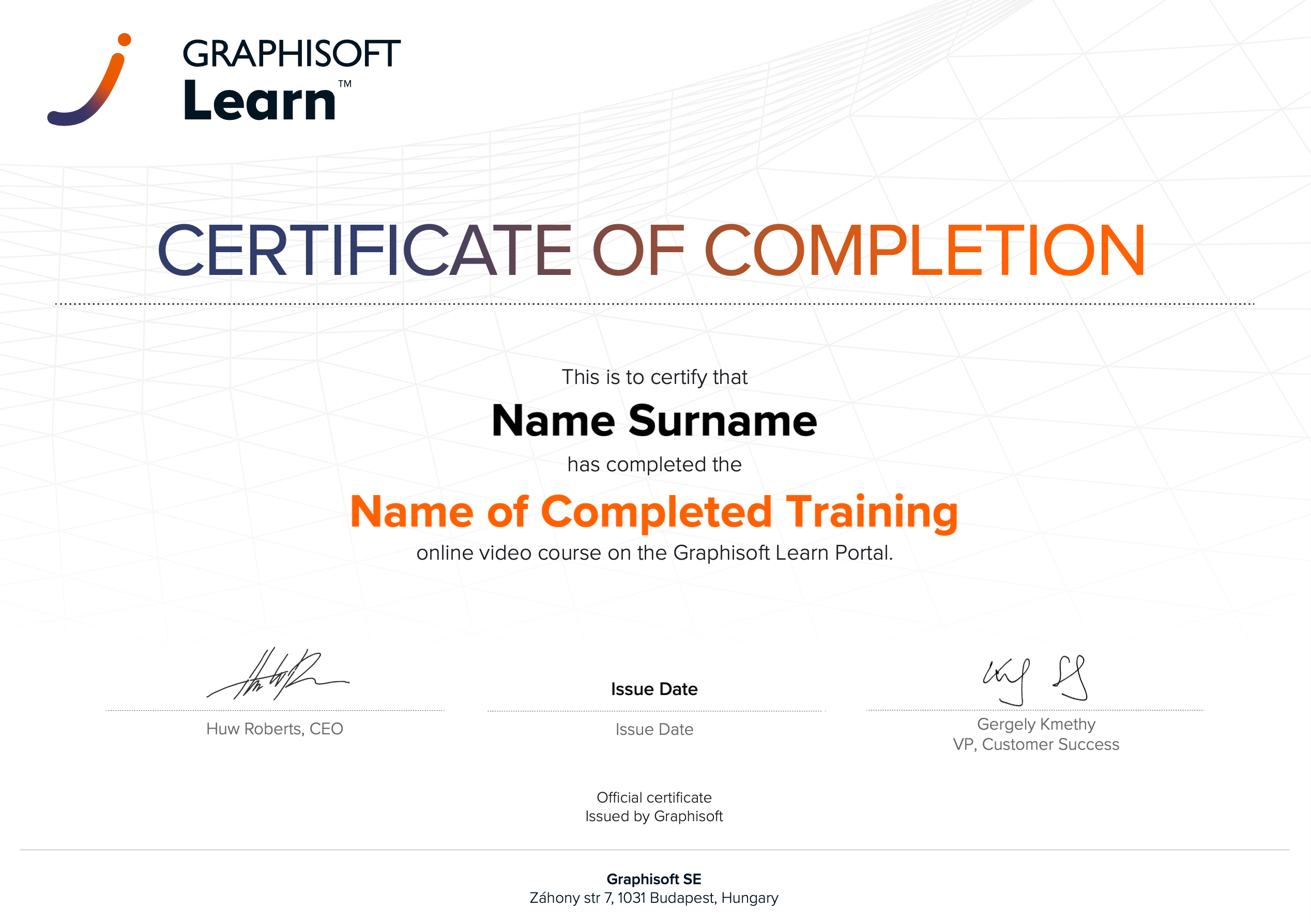 |
INT_Certificate of Completion - Online Video Course |